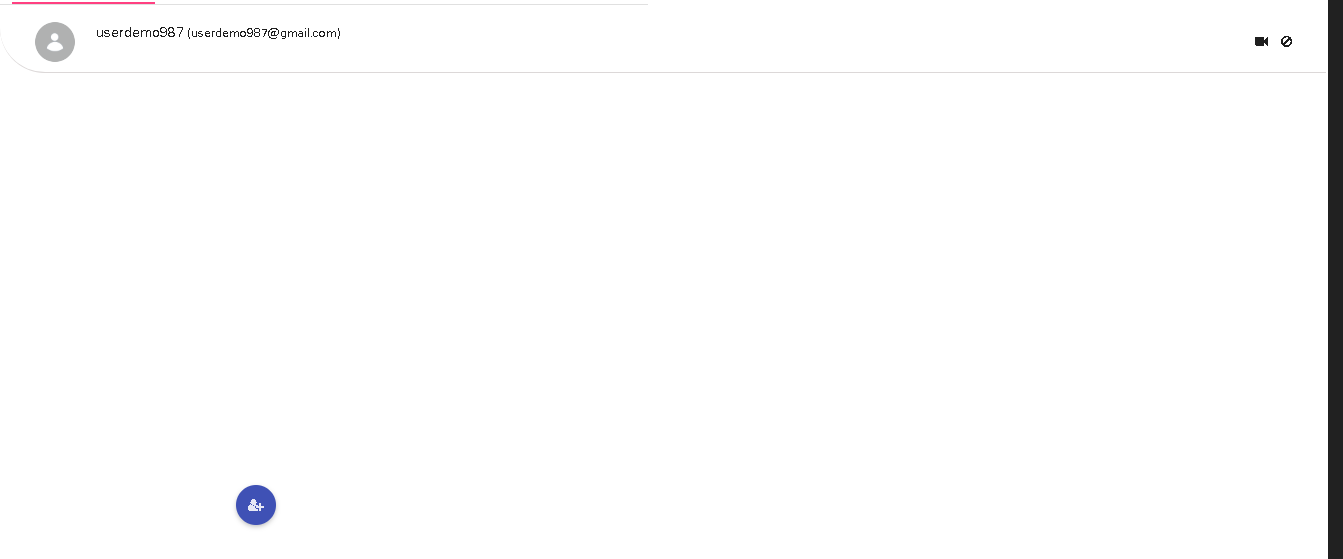
Contacts
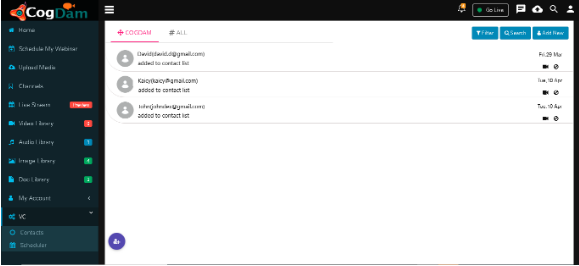
Add New Contacts
Here user can add new contacts
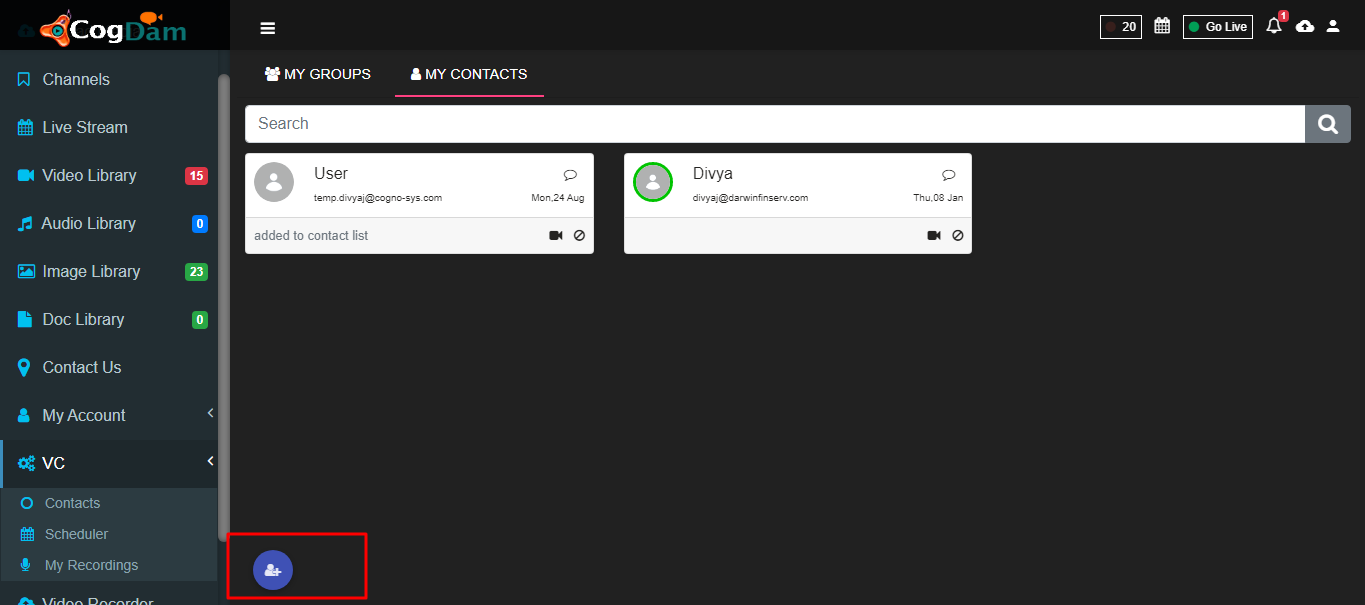
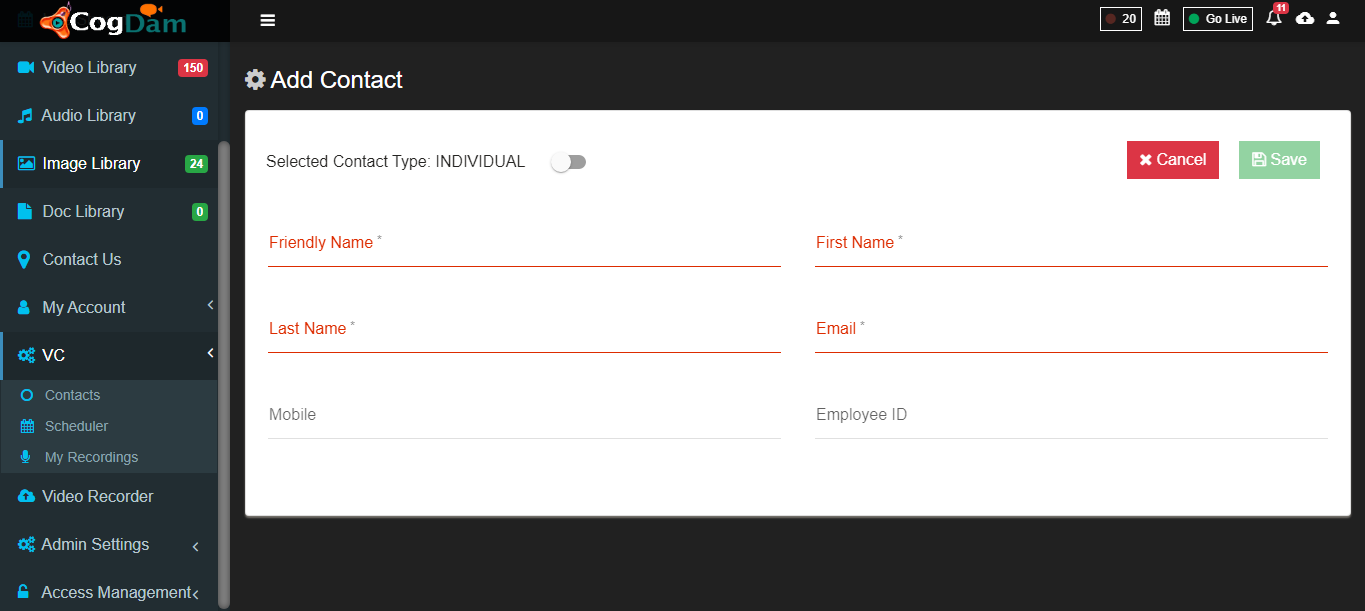
After clicking on "Add new contacts" tab
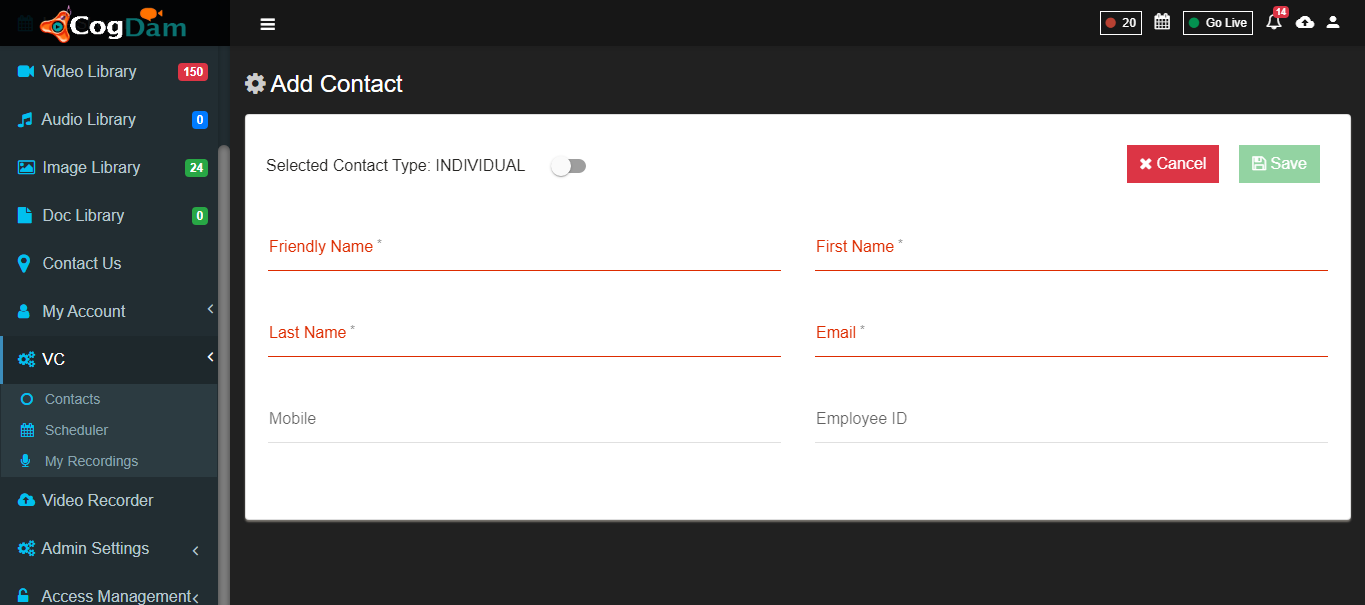
Fill all information and save, added contacts will be displays on contacts list
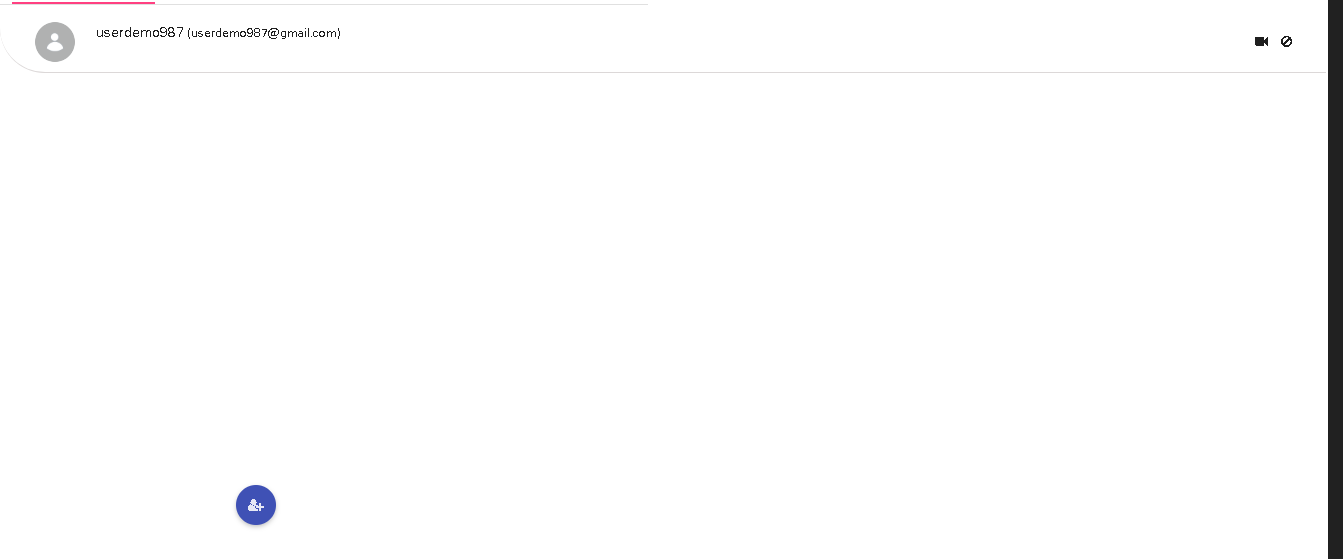
Add Group
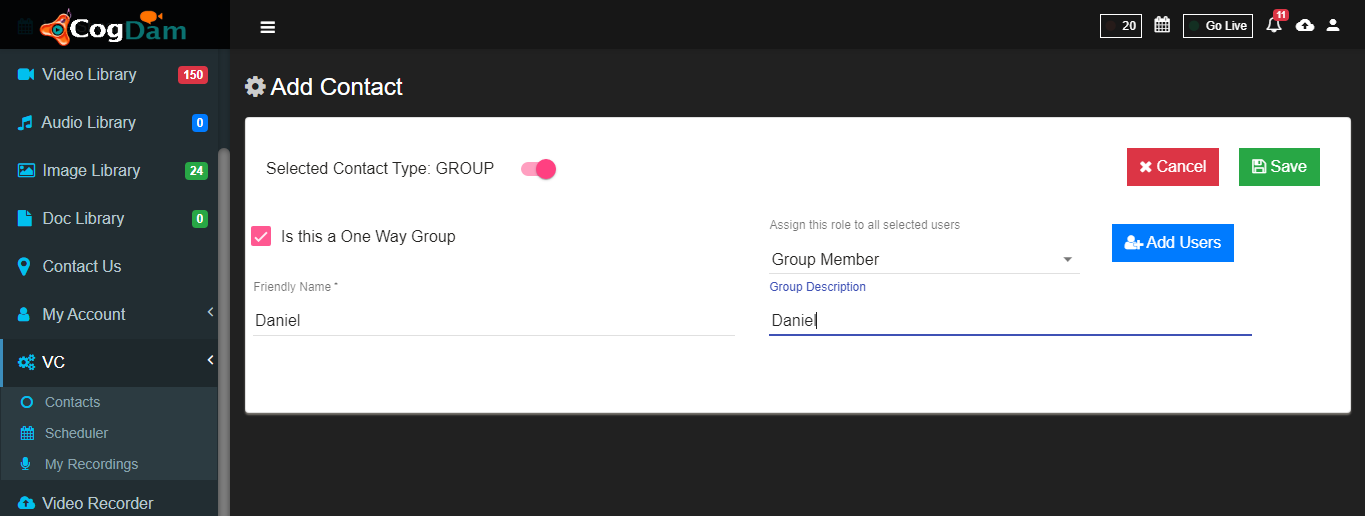
For making group user have to click on "add new contacts" tab and enabled Selected Contact type.
Fill data
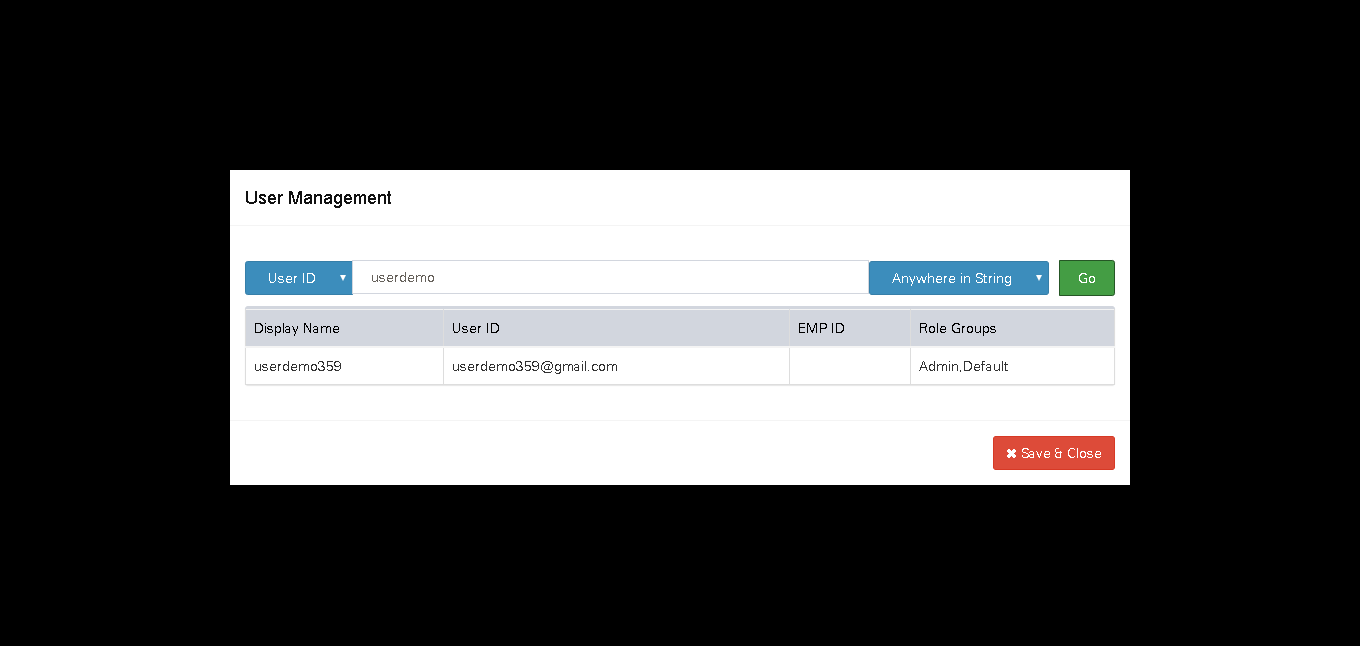
By clicking on "Add Users", user can search and add user in group and save .
Created group displayed by clicking on filter and clicking on group tab.
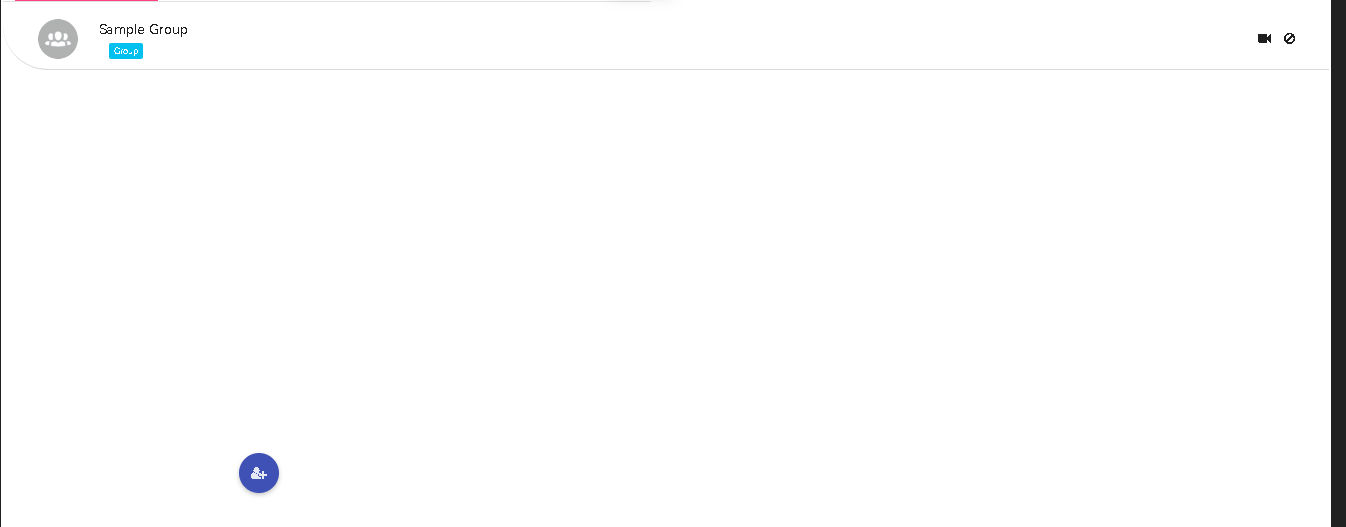
One to One Call
For one to one calling user can click on video call button.
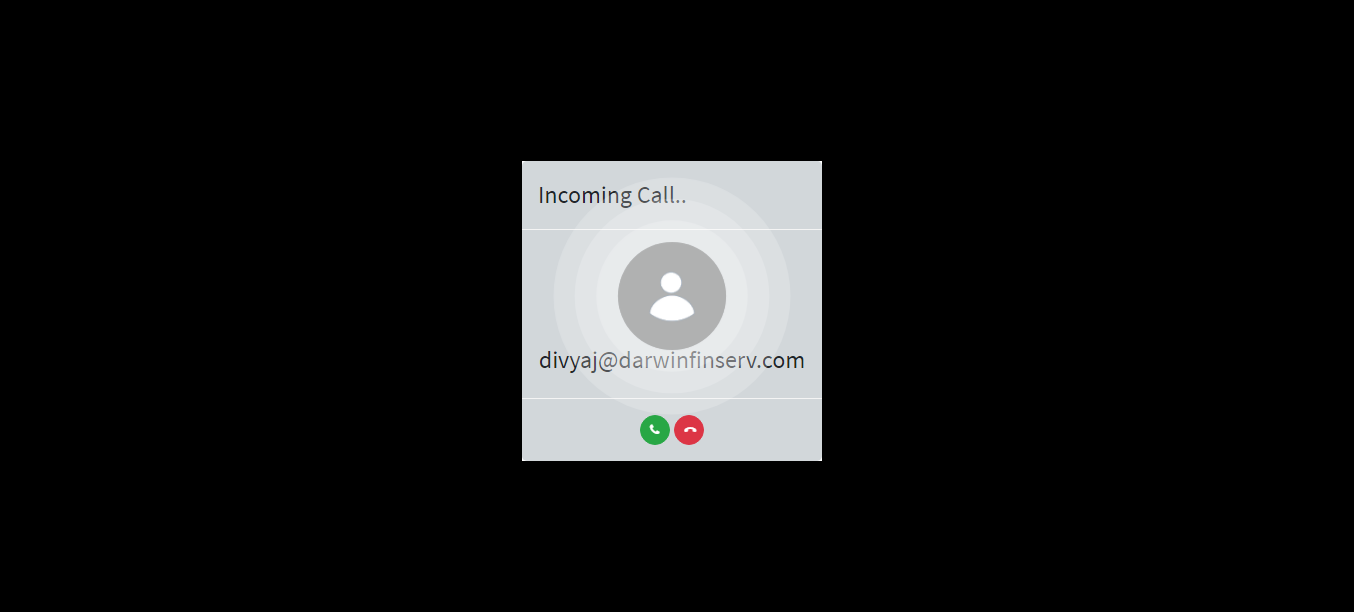
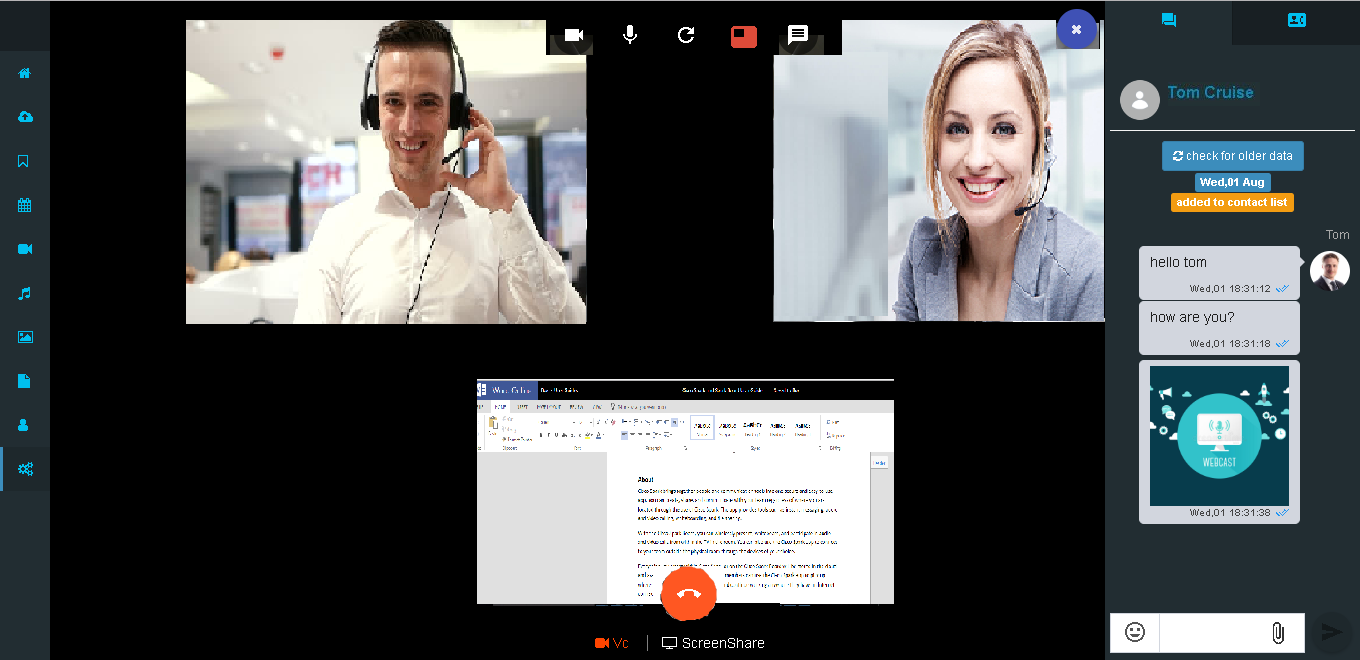
After calling

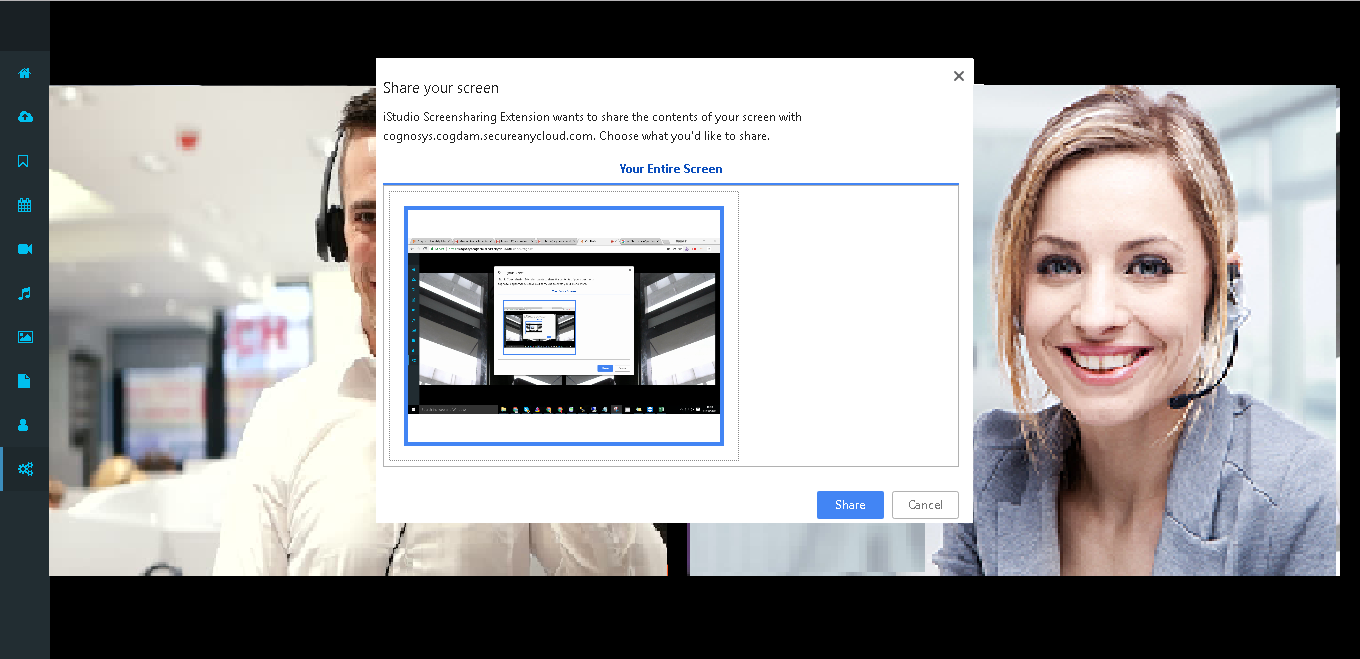
Users can share their screen
They can chat each other while calling
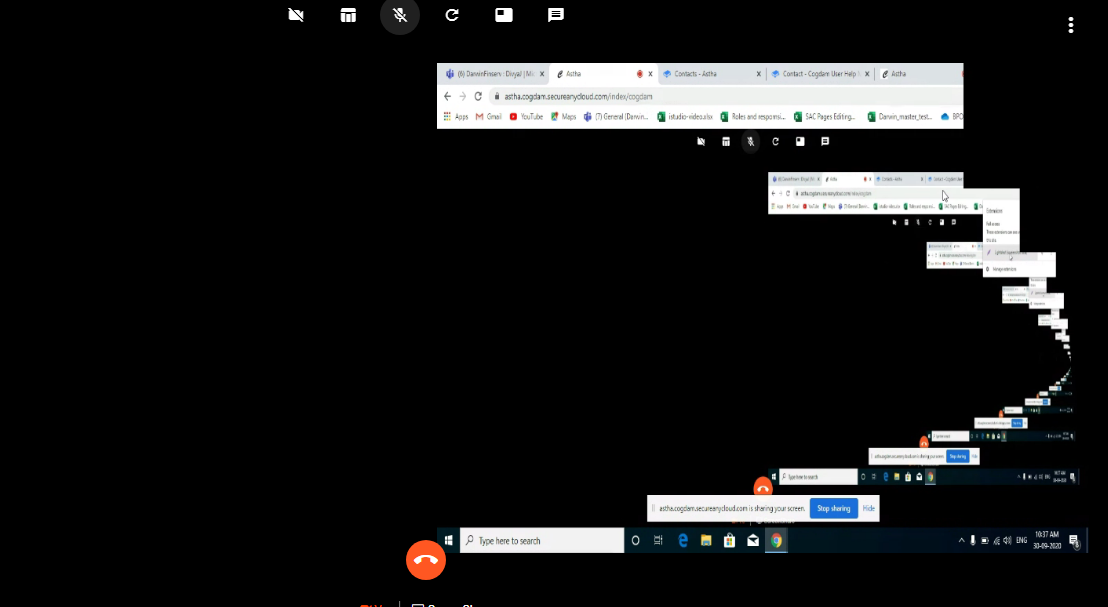
For end call user can click on Disconnect button.
Group Call
For group calling user can click on filter tab group tab. And to start video call click on video calling button
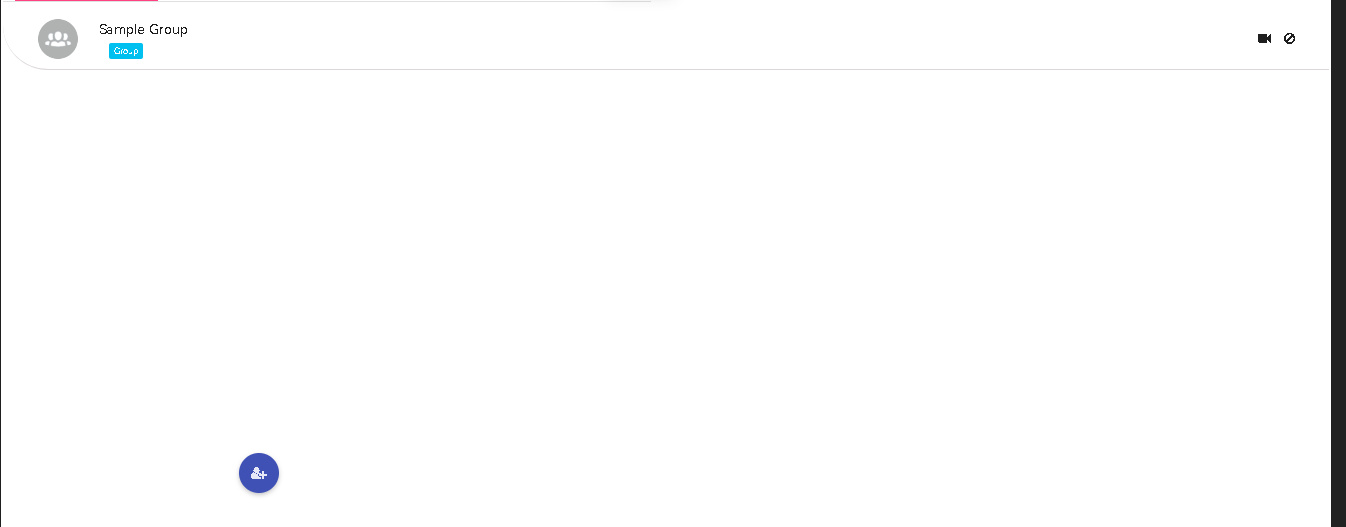
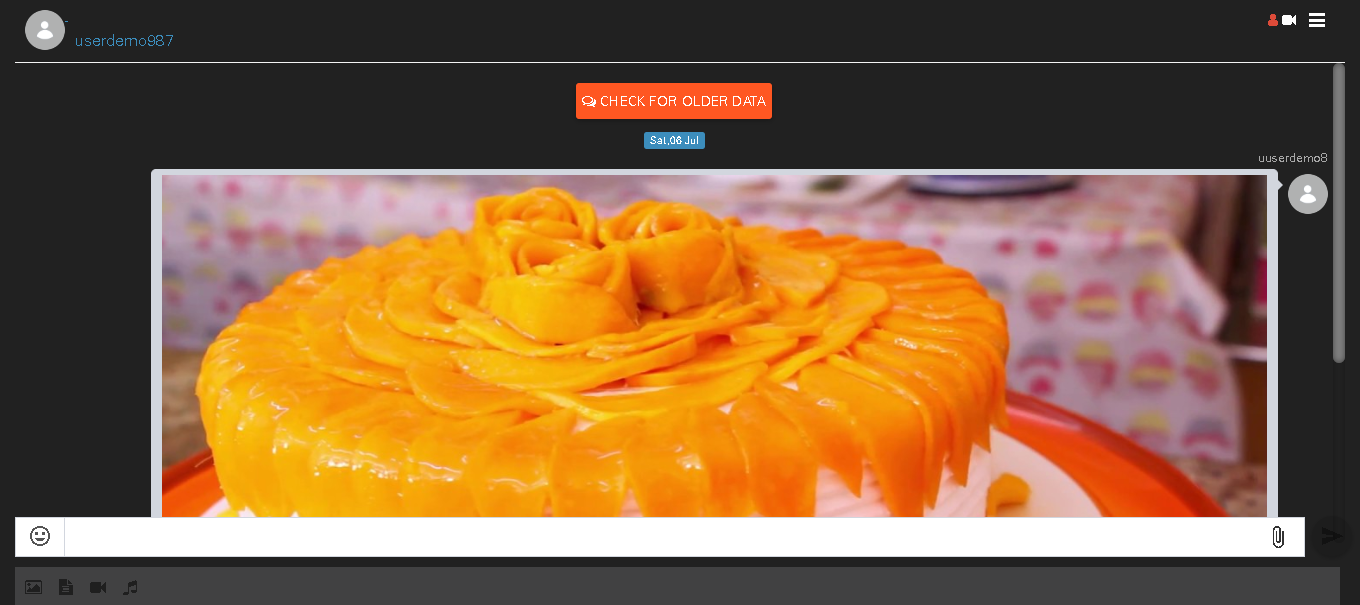
Group members can chat in group. They can send audio,video, image and doc.
After calling joined members

While calling user can share their screen by clicking on screenshare tab
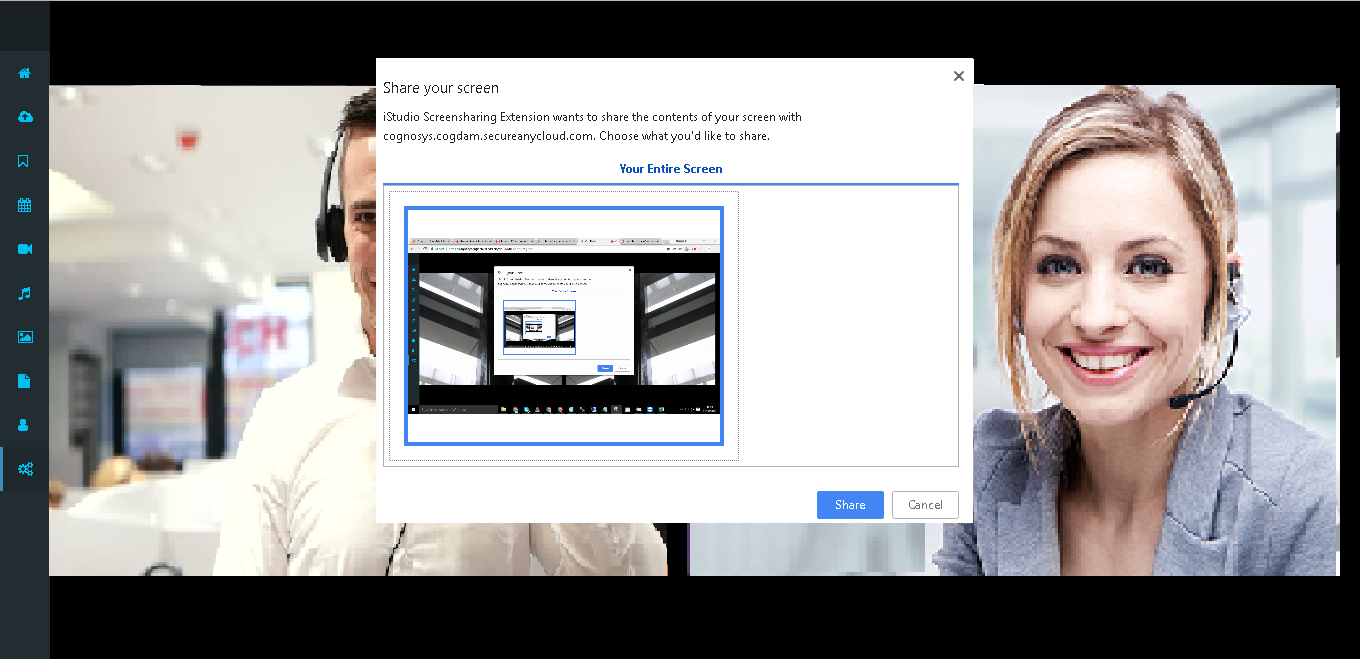
Screenshare looks like this
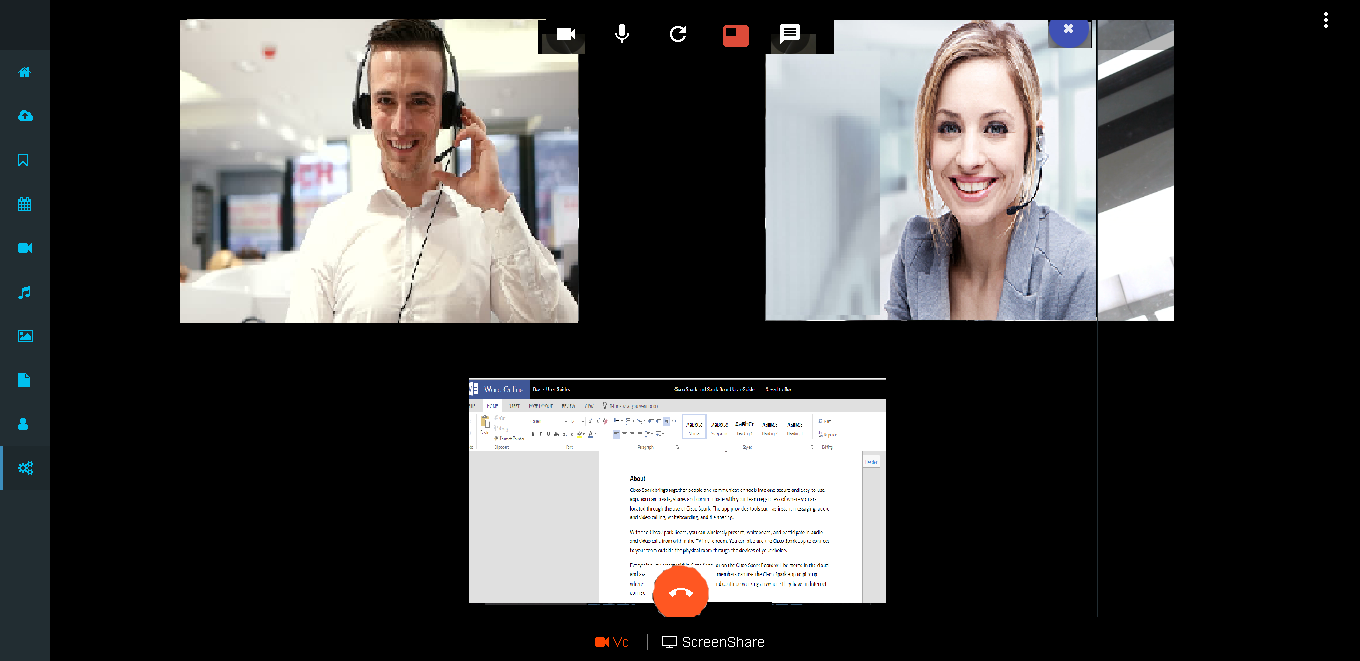
They can chat while calling
For end call user can click on Disconnect call button. And after that it navigates to contacts page.